Quntis Curved IM vs. Focus review: match the light bar to your monitor
The 66 cm Curved IM and 41 cm Focus target different desks. Monitor fit, webcam clearance and lighting controls matter more than choosing the larger model.
Editorial assessment based on published specifications and source material. HOSHE has not independently tested this product.
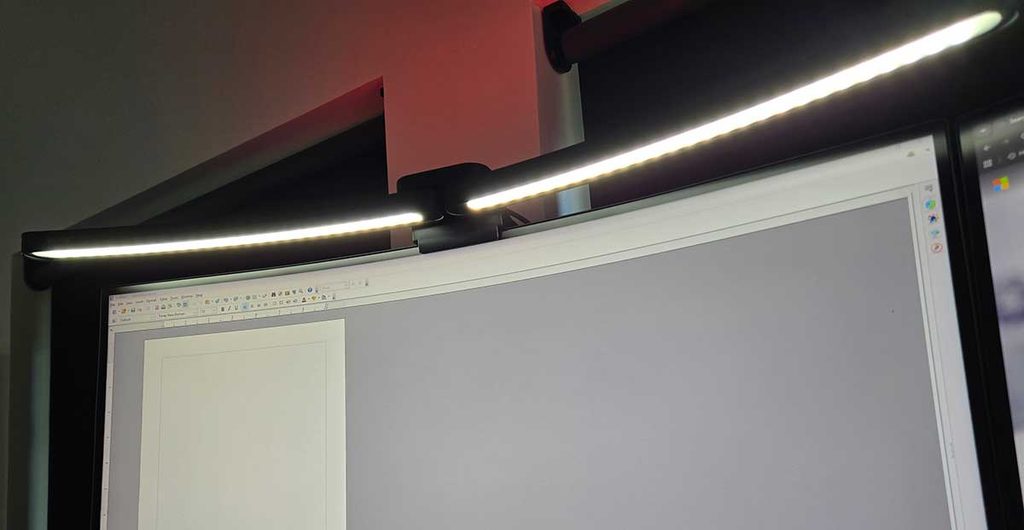
A monitor light bar is a fit-sensitive accessory. Buying the larger one is not automatically an upgrade: the bar has to sit securely on your display, clear any webcam and illuminate your work area in a useful way. Quntis's Curved IM 66 cm and Focus 41 cm illustrate that choice clearly. Their different sizes and backlighting arrangements are more important than treating them as interchangeable models.
THE SHORT ANSWER
Our verdict
Start with your monitor dimensions and mounting arrangement. The Curved IM targets a wide curved setup; the smaller Focus is a more restrained candidate for a standard desk.
Begin with the monitor
Quntis positions the 66 cm Curved IM for large curved displays, with its comparison material listing a 32–49-inch fit range. The 41 cm Focus is listed for smaller 17–27-inch displays. Fit ranges are starting points, not a guarantee for every enclosure. Measure the top edge and check the clamp against your screen's thickness and rear shape. A monitor hood, unusual curve or fragile top assembly can change the answer.
Task lighting or ambient backlighting?
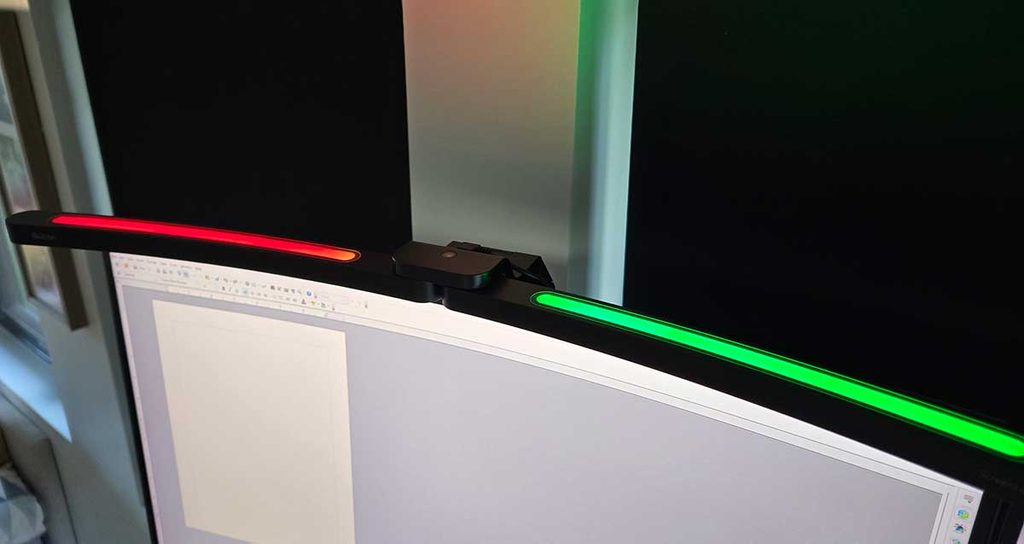
The Curved IM adds RGB backlighting, while the Focus model covered here concentrates on the front task light. Decide which problem you are trying to solve. If you simply need light on a notebook and keyboard, an ambient color feature may add little value. If rear illumination is part of your setup, check whether you can adjust it separately from the front light and whether its brightness suits the wall behind your desk.
Controls and webcam clearance
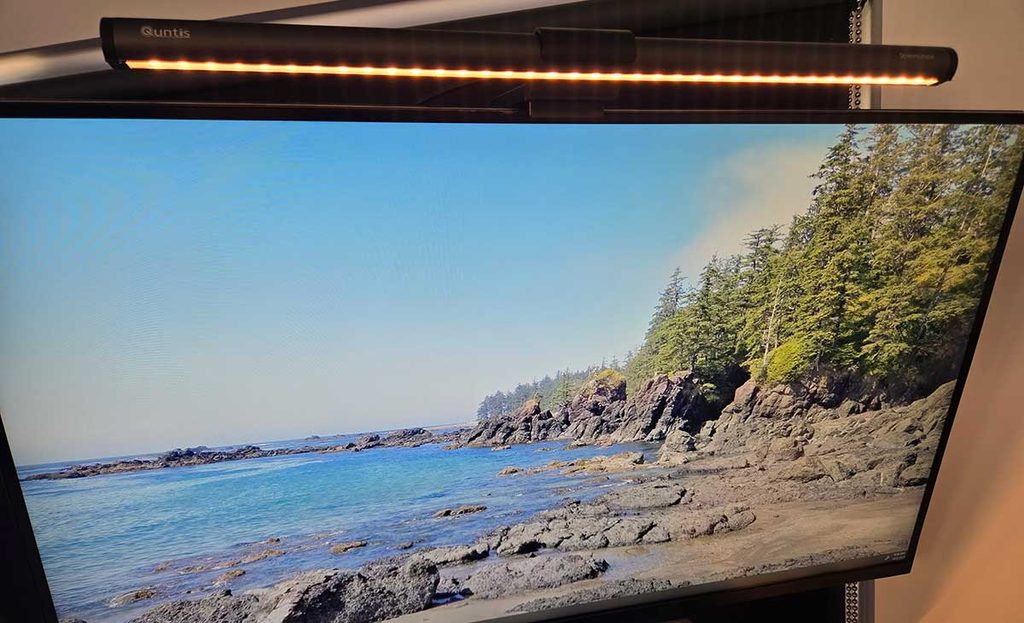
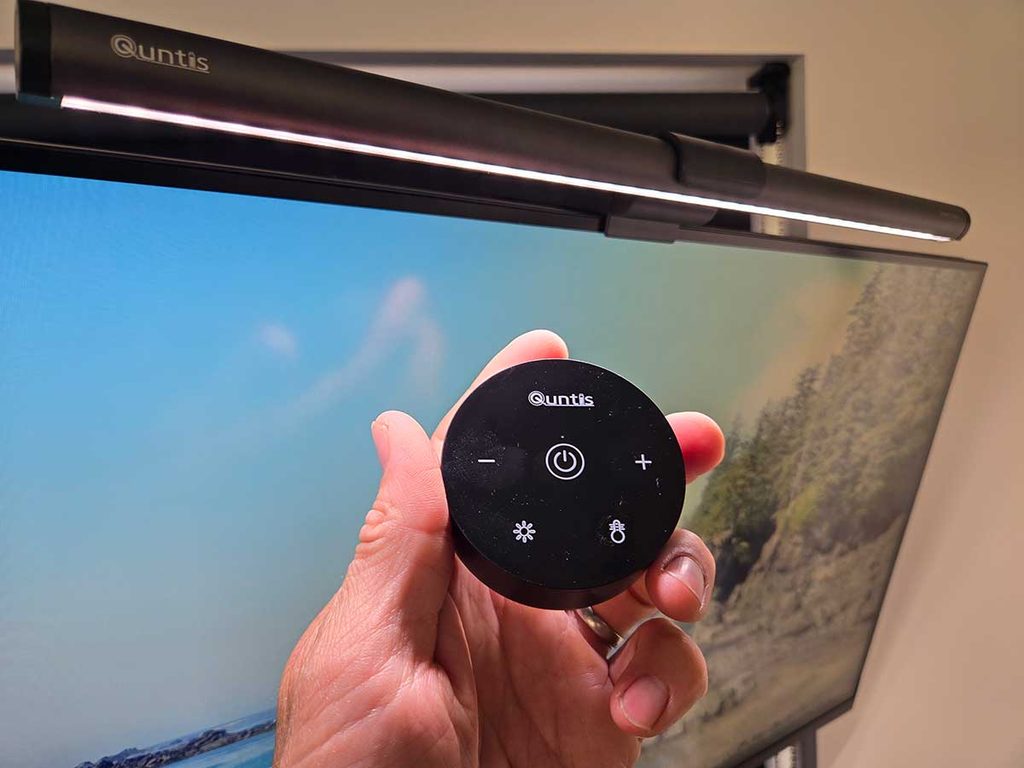
Both named models offer remote control and adjustable color temperature in Quntis's comparison material. The Focus is also presented with a webcam-friendly mounting arrangement. Look closely at your camera's clamp and cable route rather than assuming that 'webcam friendly' covers every camera. Keep the remote accessible and check how the light behaves after a power interruption. These small workflow details can matter more than the longest specification table.
What this assessment cannot establish
We have not measured illuminance, flicker, glare, color accuracy or comfort. Manufacturer CRI figures and marketing terms are not substitutes for those measurements, and a light bar should not be presented as a medical solution. Check the current power requirements and included accessories, then compare the monitor-mounted approach with an adjustable desk lamp. The better choice is the one that fits your actual desk and tasks.
What works
- Two sizes address different monitor setups
- Remote controls keep adjustments within reach
- Curved IM offers rear ambient lighting
What to weigh up
- Clamp fit needs checking against the exact display
- A wider model can be excessive on a small desk
- Glare and light quality are not measured by HOSHE
Who should buy it?
Consider the Curved IM for a compatible wide curved display where rear lighting is also useful. Consider the Focus for a smaller desk where a simpler front light and webcam arrangement matter most. Confirm mounting compatibility for either model.
The conclusion
Start with your monitor dimensions and mounting arrangement. The Curved IM targets a wide curved setup; the smaller Focus is a more restrained candidate for a standard desk.
Visit the brand or retailer →External link. Check the exact model, current price, availability and return terms with the seller.
Sources & photography
Published specifications checked November 3, 2026. Manufacturer claims are identified as such. Photography is credited to its source; supplied publisher images are used with the site owner's authorization. Hero artwork is an editorial illustration, not a photograph of a reviewed product.